News
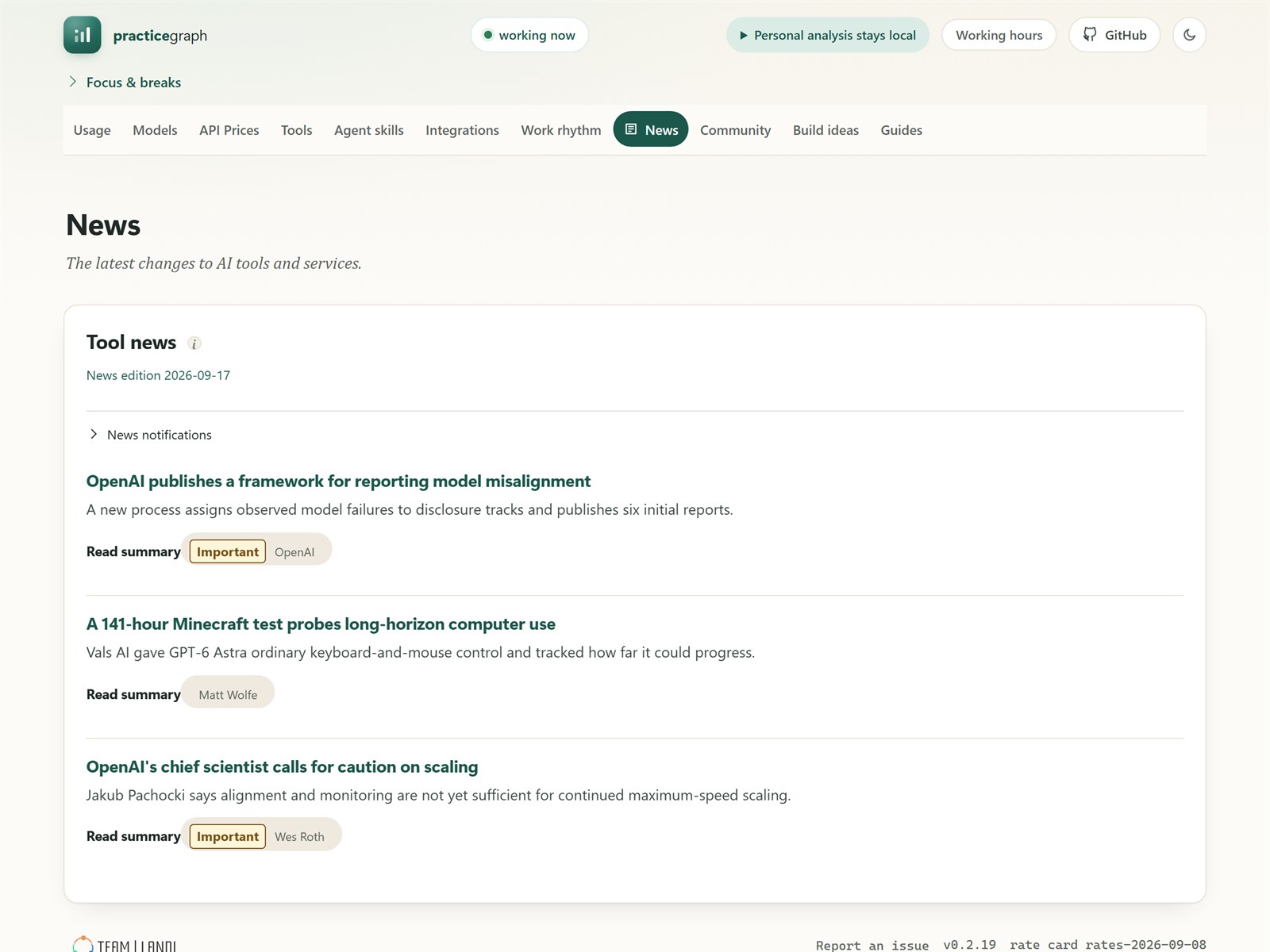
Three stories a day, chosen by hand from 20 to 30 candidates. Each has a one-line summary and a link to the source.
Free and open source·for Claude Code and Codex users·Windows and macOS
AI tools change every week. PracticeGraph is a desktop app that shows you the few changes that matter each day, next to your own numbers: what you spent, which models you used, and when you worked. It runs on your computer, and your data stays there.
 One-line summary
The source, every time
Picked by hand, not by feed
One-line summary
The source, every time
Picked by hand, not by feed
Two kinds of pages. Some keep you current. The others show how you work with AI. Money figures are estimates and are marked that way.
Three stories a day, chosen by hand from 20 to 30 candidates. Each has a one-line summary and a link to the source.
What every major model costs, from its maker and from other hosts. Cheaper hosts are flagged. Discounts and prices that are about to end are listed with the days left.
What other developers measured about the tools you use.
Small projects you can build with an API, plus the official training links for each tool.
What your AI use was worth this week at API prices, compared with last week. Broken down by day and by model, with your latest usage limits. Amounts can be shown in your own currency.
Which models your tools use by default, and which ones your sessions ran.
Whether your tools are up to date, which features you used in the last 30 days, and how often each MCP server you set up was called.
How long you wait for answers, how late your days end, and how your work is split. Includes a focus timer and a break timer.
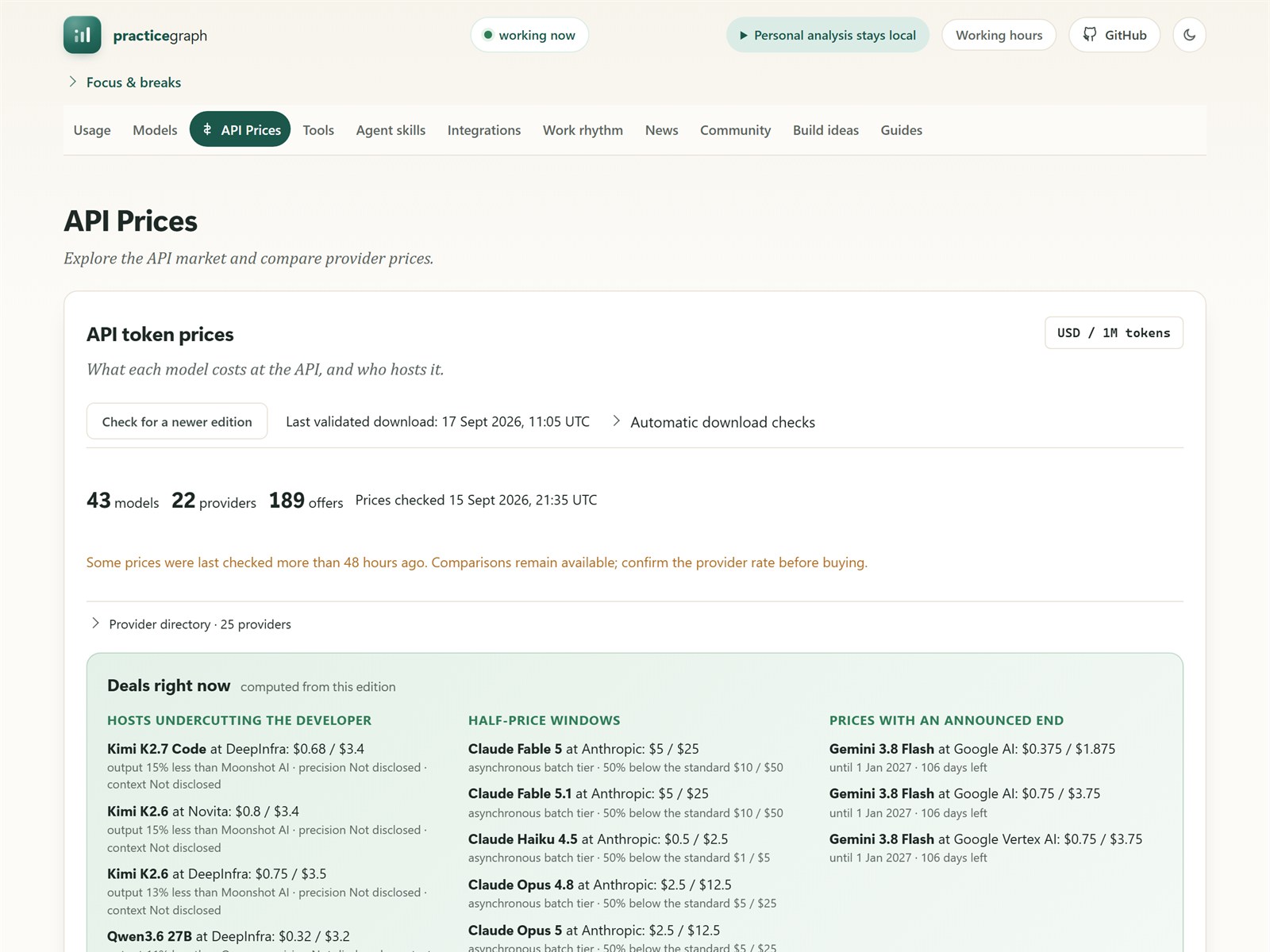 Every price links to its source
Half-price batch tiers
Days left on ending prices
Every price links to its source
Half-price batch tiers
Days left on ending prices
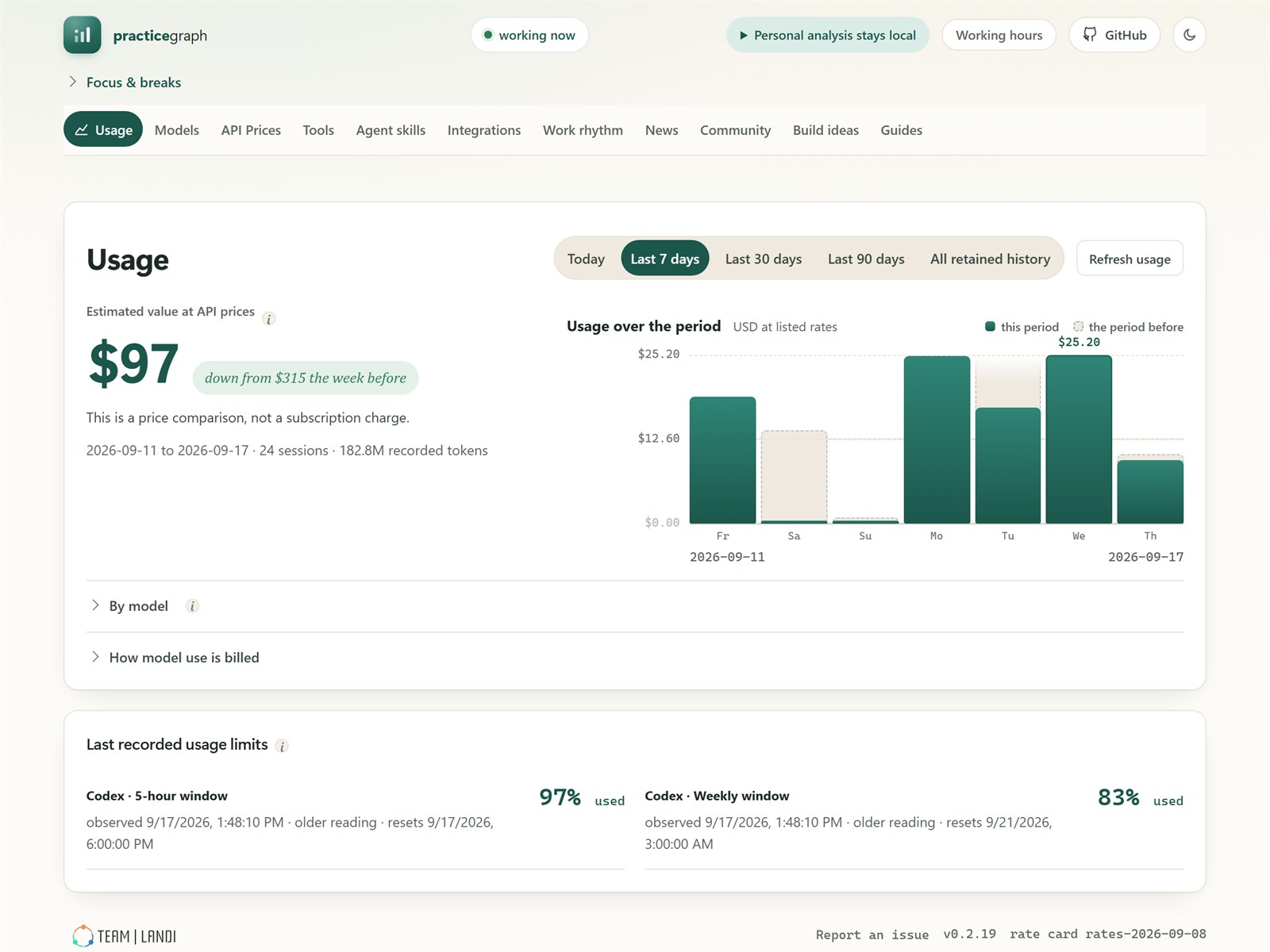 Down from last week's $315
Your busiest day
Your latest usage limits
Down from last week's $315
Your busiest day
Your latest usage limits
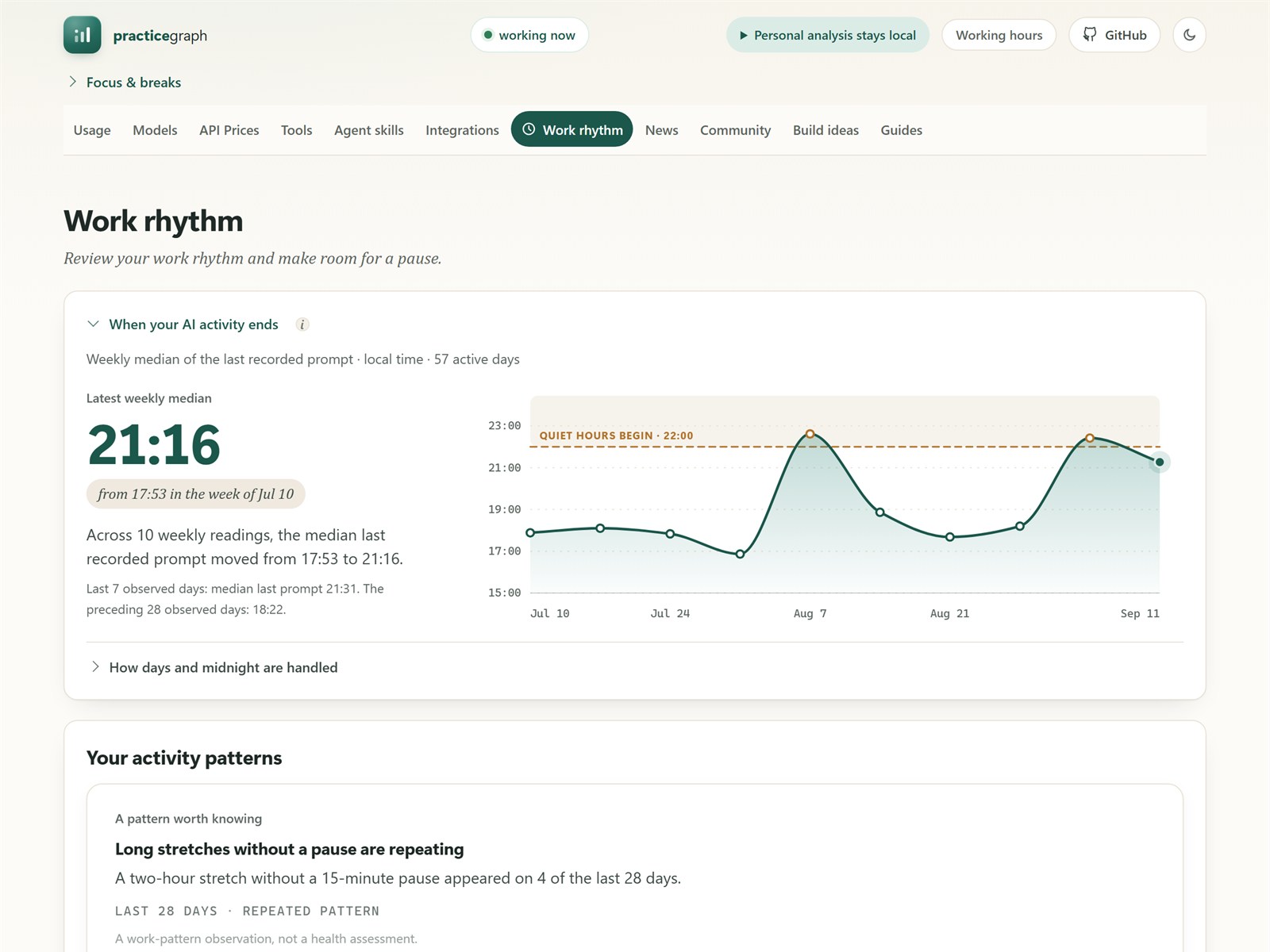 The median last prompt
The quiet hours you set
Where you are now
The median last prompt
The quiet hours you set
Where you are now
API Prices
Usage
Work rhythm
PracticeGraph works from the session logs that Claude Code and Codex already save. It keeps counts and timings, never the text of your prompts or replies.
The app has no way to send your usage or logs anywhere.
Price lists, the daily news and update notices, plus exchange rates from the European Central Bank if you choose a currency other than US dollars. Those servers see a normal web request and nothing about you.
Teams can run their own server for anonymous totals. It is off unless you turn it on.
Download the installer for Windows or macOS. There is no Linux release yet; until there is, it can be built from source.
Your result should match the line under the command. Every release also publishes a SHA256SUMS.txt. The Windows installer is signed and names TeamLandi OOD as the publisher, though SmartScreen may still ask once while that publisher's reputation builds; if it does, choose More info, then Run anyway. The macOS installers are signed and notarized. The app tells you when a new version is out and never installs it by itself.
All of PracticeGraph is free under the Apache-2.0 license: the app, its engine, the Windows and macOS versions, the Linux code you can build yourself, and the optional team server.
The daily news, prices and other editions are written by Team Landi and published under separate content terms. You can point the app at a different source.
This is an early release. Tell us what helped, what was unclear and what is missing.
The app is free for everyone. For organizations, Team Landi offers an enterprise version set up around how your company works.
We adapt the pages and rules to your tools, your approved models and the reports your managers need.
Private daily editions, price guidance, skills and setup guides for the tools and policies you use, served from a server you control.
Hands-on training for developers and team leads, based on how your own teams work with AI.
Anonymous team totals, shared only with each person's consent, delivered as tables your data warehouse can load. Each person's own page stays on their computer.
It does part of a newsletter's job: three stories a day, picked by people, with sources. The difference is that they sit next to your own numbers. When a model's price changes, you can see whether you use that model.
Keep it. PracticeGraph adds what a counter leaves out: which models and features you rely on, when you work, current API prices and deals, and the day's news.
No. The app keeps counts and timings only and has no way to upload them. It downloads price lists, news and update notices, and exchange rates only if you choose another currency. Team sharing is off unless you turn it on.
Claude Code, the OpenAI Codex CLI, and the coding sessions in Claude Desktop on macOS. Support for more tools is the most useful thing to contribute.
No. They are estimates at listed API prices. If you pay for a subscription, they show what the same usage would cost through the API.
No. It shows what happened and compares you only with your own earlier weeks. It never gives you a score.
One installer, no account. Your first page appears after the app has read your existing session history.